Administration
Day-to-day administration in the same window
Roles and privileges, backups and restores, new databases and schemas, and routine maintenance, without switching to a different tool.
14-day trial · no account · no card
Security Manager
Manage roles, role membership, object privileges and default privileges.
Backup and Restore
Backup and Restore drive pg_dump, pg_restore and psql, found on PATH or in a folder you choose. Use client tools of the server’s major version or newer; on Linux the package recommends postgresql-client.
Maintenance
Run VACUUM, ANALYZE and REINDEX, and create new databases and schemas.
Monitoring included
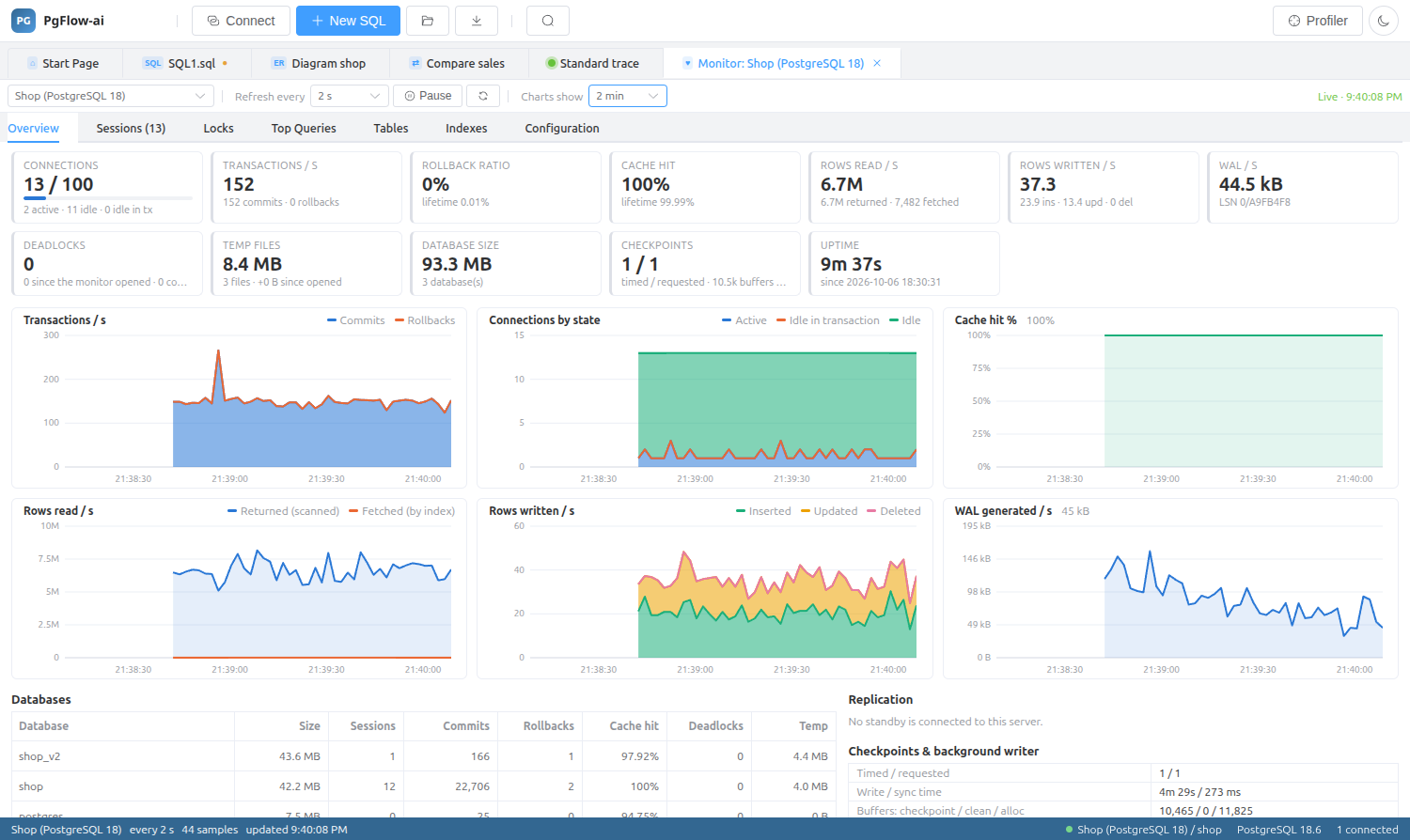
The Server Monitor shows sessions, lock chains, top queries and table and index health, so you can see what needs maintenance.
Administration: questions
Does Backup need anything installed?
It uses the PostgreSQL client tools pg_dump, pg_restore and psql. Install a version matching the server’s major version or newer.
Can I manage default privileges?
Yes. The Security Manager covers roles, membership, object privileges and default privileges.
Related features
Try it on your own database
Download PgFlow-ai and press “Start free trial” in the app. 14 days, every feature, no account and no card.