Data Tools
Work with the data, not just the schema
Browse and edit rows with a SQL preview of every change, move data in and out in the formats people actually send you, generate test data, and turn query results into pivots, reports and documentation.
14-day trial · no account · no card
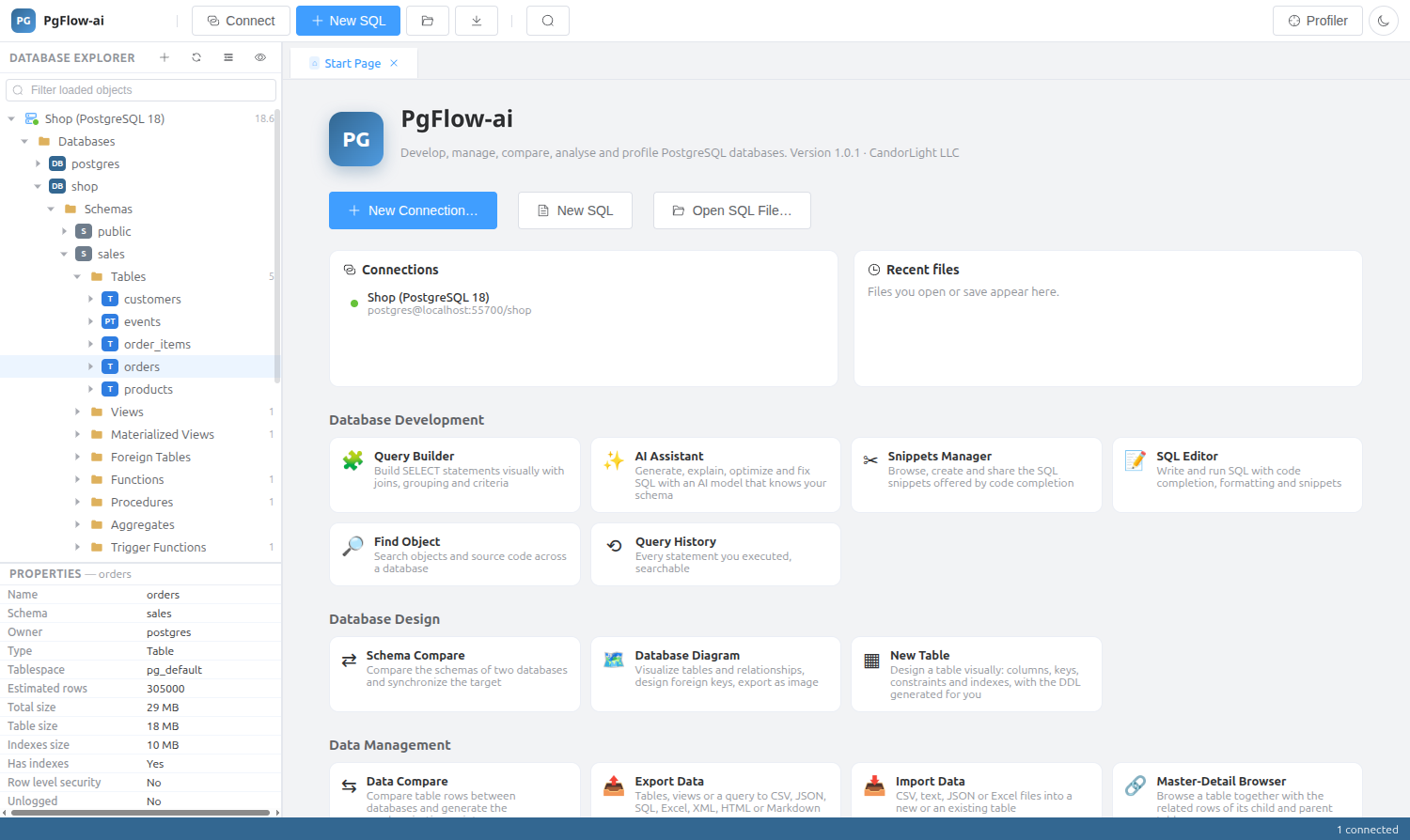
Data Editor and Master-Detail Browser
Page, filter and sort a table; edit, insert and delete with a SQL preview; open a record view; and follow foreign keys. The Master-Detail Browser shows a table together with the related rows of its child and parent tables.
Import and export
Load files into a new or an existing table, and export tables or query results.
- Import CSV, JSON and XLSX, with append, upsert or skip
- Export CSV, text, JSON, SQL, XML, HTML, Markdown and XLSX
Data Generator
Fill tables with generated rows for development and testing.
Pivot tables, reports and documentation
Analyse and share without leaving the IDE.
- Pivot Table with drag-and-drop fields and charts
- Data Reports: grouped and printable
- Database Documenter: HTML or Markdown documentation of a database
Data Tools: questions
Can I import an Excel file?
Yes. Import accepts XLSX as well as CSV and JSON, and can append, upsert or skip existing rows.
Do edits in the grid run immediately?
Each change shows its SQL preview, so you can see the exact INSERT, UPDATE or DELETE that will run.
Related features
Try it on your own database
Download PgFlow-ai and press “Start free trial” in the app. 14 days, every feature, no account and no card.